Andrew Yeckel > Art Gallery > Mondrian Collection > Mondrian Variations
Computation with Red, Blue, and Yellow
Mouse over the images to see nine variations on a painting by
Piet Mondrian (there might be a short delay loading the
animations on a slow internet connection).
I: Untitled
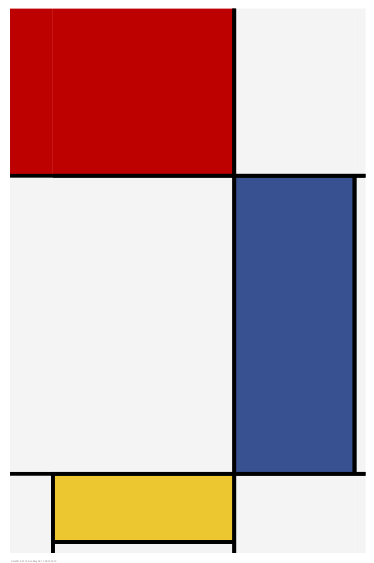
II: Mondrian wakes up
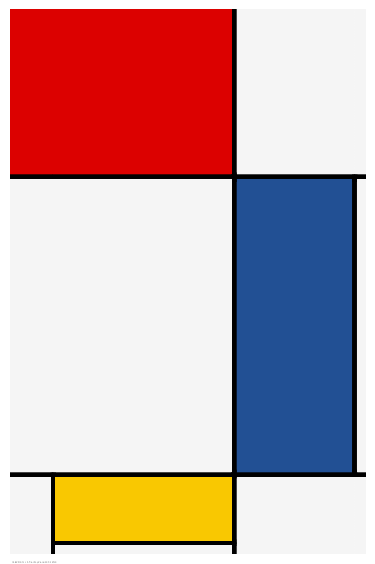
III: Mondrian party favor
IV: When does it stop being a Mondrian?
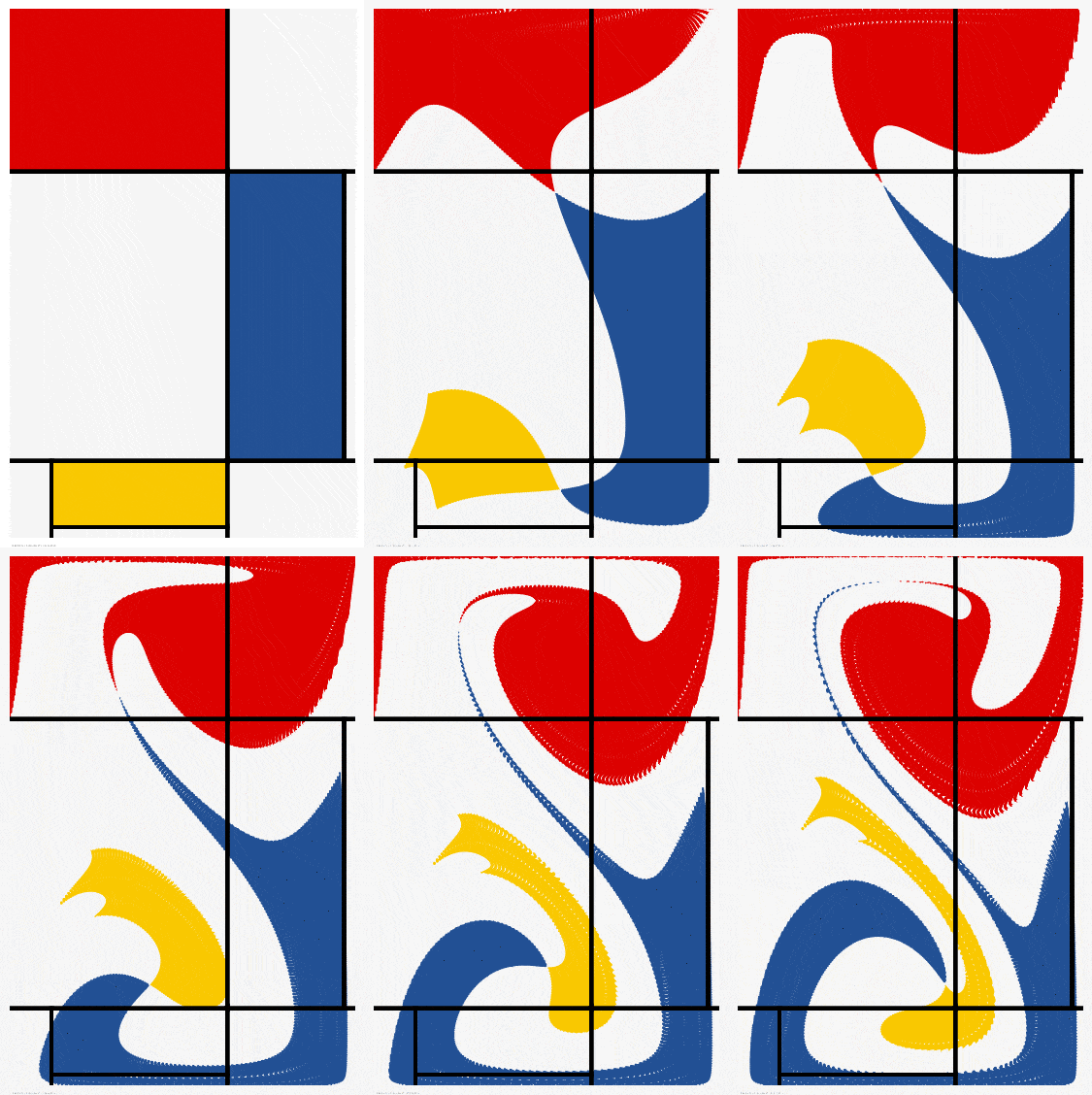
V: Once a Mondrian, always a Mondrian
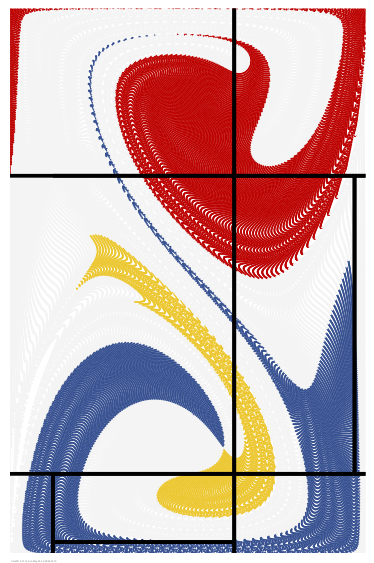

VI: Mondrian in the inertial regime
VII: Mondrian hourglass
VIII: Mondrian Seuss
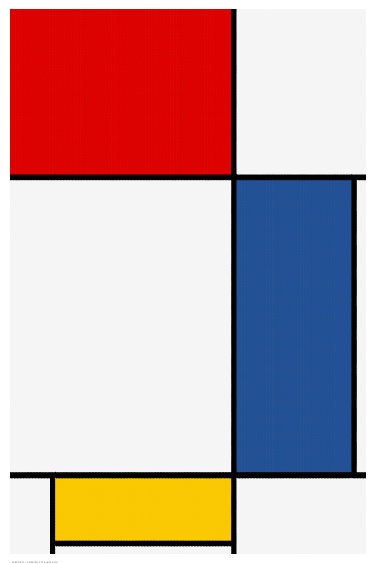
IX: Mondrian after dark
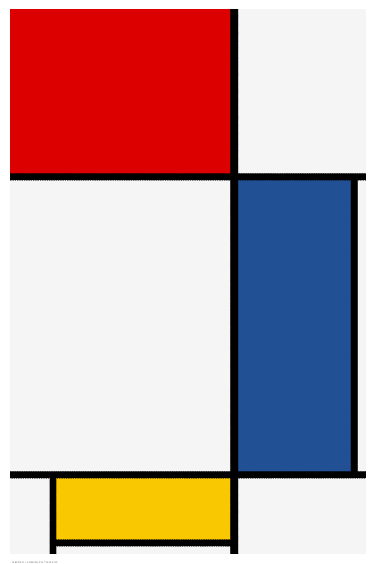

How these were made
Except for variation I, all of these were made by computing particle pathlines in a closed box. Flow is driven by lateral motion of the top and bottom surfaces, which creates a vortex pair having two lobes enclosed by a streamline in the shape of a figure eight or hourglass, as shown below. I've used this type of lid-driven cavity flow before in some of my other artsy mixing studies. Strictly speaking the U velocity is parabolic rather than constant along the top and bottom surfaces. I do this to avoid a discontinuity at the corners, which gives a smoother flow that is better suited to this type of visualization. Stokes flow is computed in all cases except variation VI, for which Reynolds number is 160.
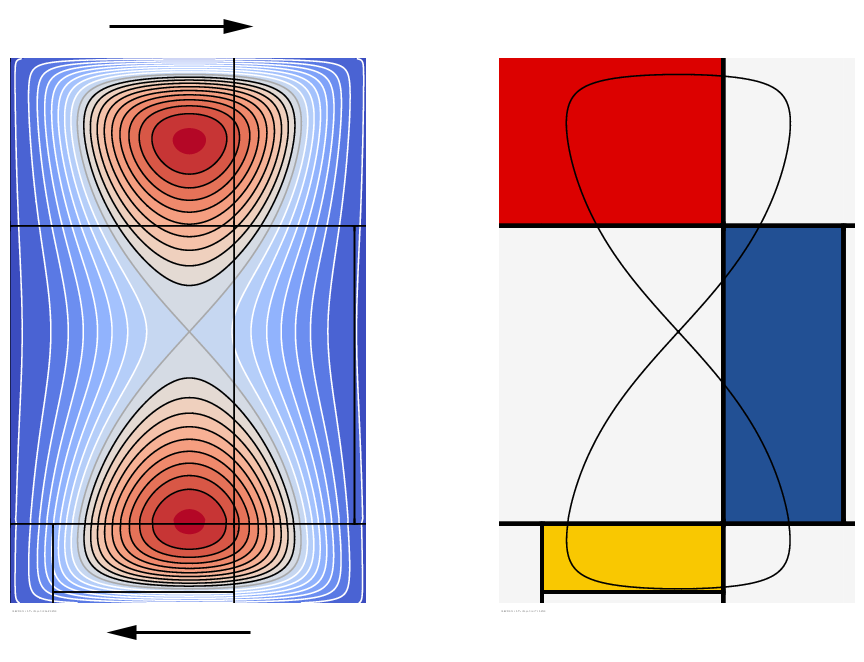
Particles are colored to match the painting wherever they are initially released into the flow. In variation II, for example, white particles are released from the white regions, and in variation III, red, yellow and blue particles are released from the colored regions. Particles that are released within the lobes will remain trapped there, and particles released outside the lobes will circulate around the outside. We can see that the upper lobe encloses mostly red with a little blue, and the lower lobe encloses nearly equal amounts of blue and yellow. These ratios are preserved throughout mixing. We can see this particularly well in variation VII.
Up to 106,000 pathlines were integrated to make these
animations. As I have documented elsewhere at this website the
pathlines are integrated with very high accuracy. Cats2D can
make a frame in less than 3 seconds on my modest laptop with
this number of particles. Typically I use 14 frames per second
in my animations, so it takes about ten minutes to make the
frames for a 15 second animation. This includes rendering the
frames from EPS to PNG or JPEG format. Pretty good. I can
crank out half a dozen animations and still pay attention to a
movie I'm watching with my wife.